✅ HOW TO DOWNLOAD 10TH & 12TH PUBLIC EXAM HALL TICKET
### 🔹 Step 1: Open Official Website
Go to 👉 **dge.tn.gov.in**
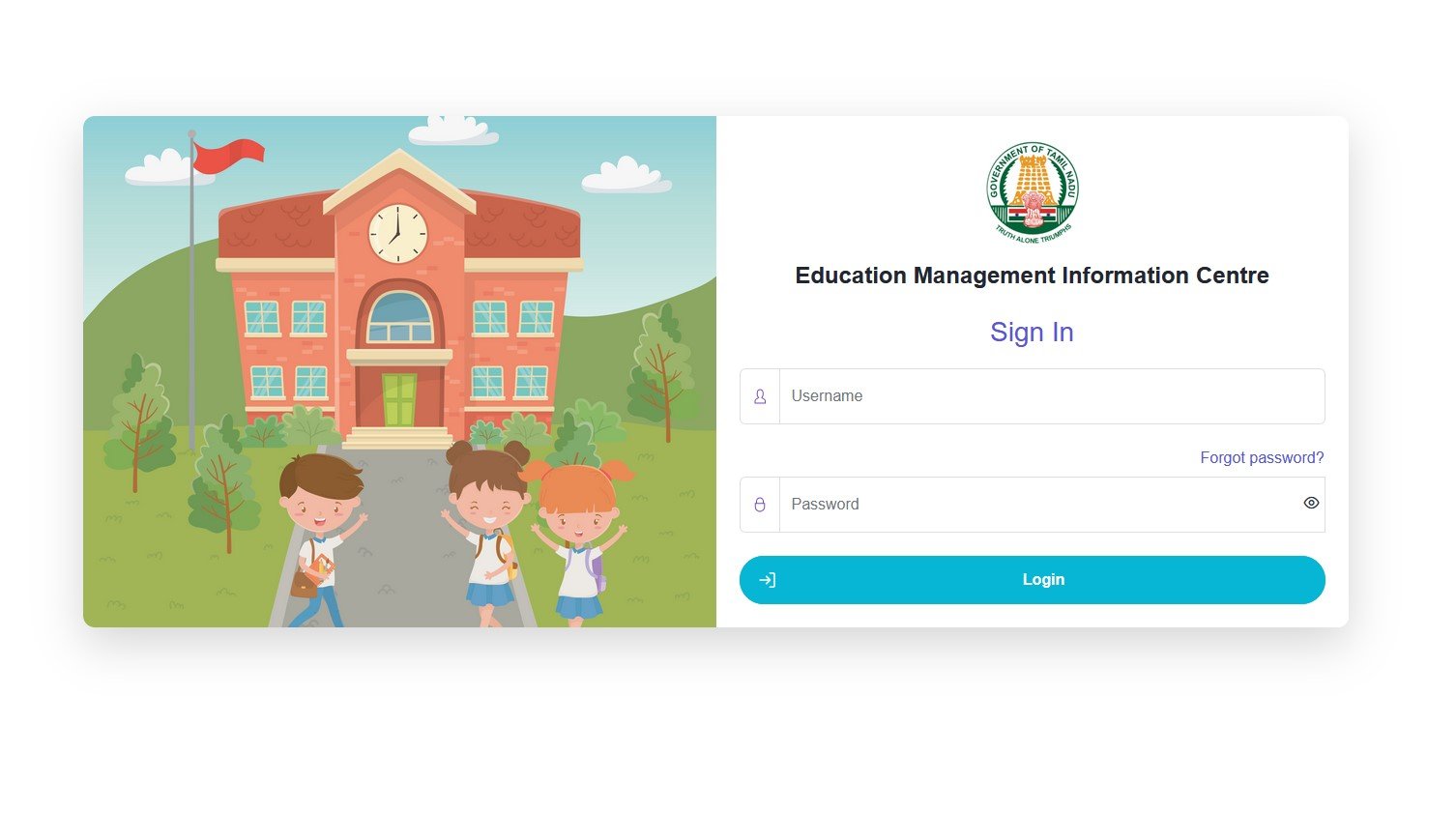
(or sometimes **https://dgeapp.tnschools.gov.in/login** during exam time)
### 🔹 Step 2: Click Hall Ticket Link
On the homepage, click:
* **“SSLC (10th) Hall Ticket”** or
* **“HSC (12th) Hall Ticket”**
### 🔹 Step 3: Enter Required Details
Fill in any **one** of the following:
* **Registration Number**
* **Date of Birth**
* **School Code** (for regular students)
👉 Private / Open School students usually use **Registration No + DOB**
### 🔹 Step 4: Submit
Click **Submit / Get Hall Ticket**
### 🔹 Step 5: Download & Print
* Hall Ticket will appear on screen
* **Download PDF**
* Take **2–3 printouts** (very important)
## 📌 IMPORTANT NOTES
* Hall Ticket is **mandatory** for exam entry
* Check details:
✔ Name
✔ Photo
✔ Exam Centre
✔ Subject & Date
* If any mistake → **Contact School / DGE Office immediately**
## 🕒 When Will Hall Ticket Be Available?
* Usually **7–10 days before exam**
* School students may get it **from school directly**
* Private candidates must **download online**