How to File Laptop Scheme Grievance in UMIS Portal
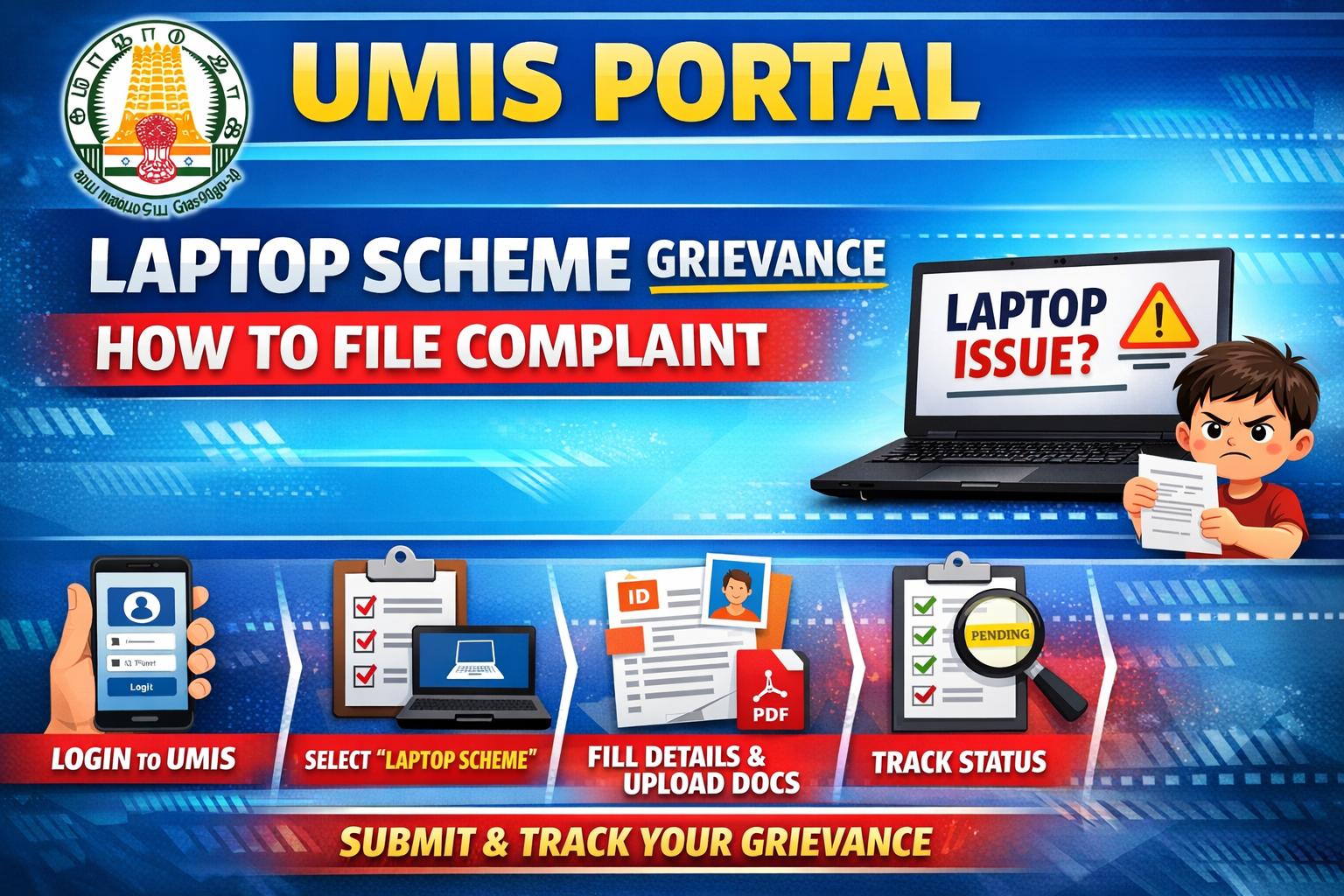
Step 1: Open UMIS Portal
Go to UMIS Student Portal (Tamil Nadu)
Use a desktop or mobile browser (Chrome works best)
Step 2: Login to Student Account
Login using any one of the following:
EMIS / UMIS ID
Registered Mobile Number
Date of Birth (if asked)
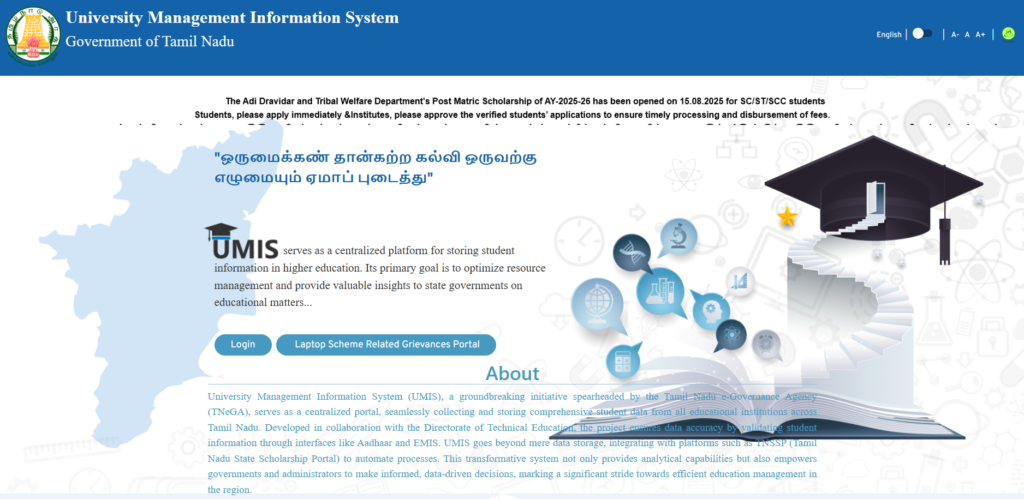
⚠️ If login fails, contact your College UMIS coordinator first.
Step 3: Go to Grievance Section
After login:
Dashboard → Grievance / Support / Help Desk
Click “Submit New Grievance”
Step 4: Select Grievance Category
Choose:
Scheme Related Laptop Scheme
Then select the correct issue type, such as:
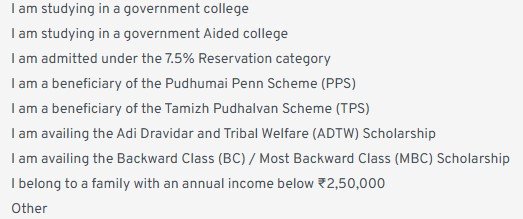
Step 5: Fill Grievance Details
Enter details carefully:
1.Academic Year
Clear description of the problem
Tip: Write the issue short & clearly (avoid spelling mistakes).
Step 6: Upload Documents (if required)
Upload scanned/photo copies of:
1.College ID
2.Bonafide certificate
3.Previous year marksheet (if applicable)
4.Formats usually accepted: PDF / JPG / PNG
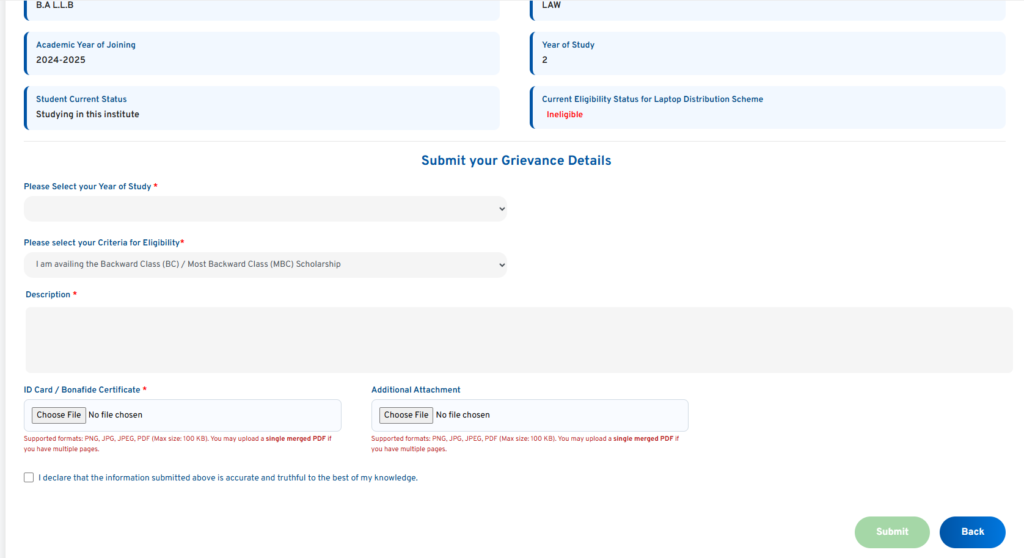
Step 7: Submit Grievance
Click Submit
Note down the Grievance Reference Number
(Very important for tracking)
Step 8: Track Grievance Status
Login again → Grievance Status
Enter Reference Number
Check updates like:
Under Review
Forwarded to Department
Resolved / Rejected