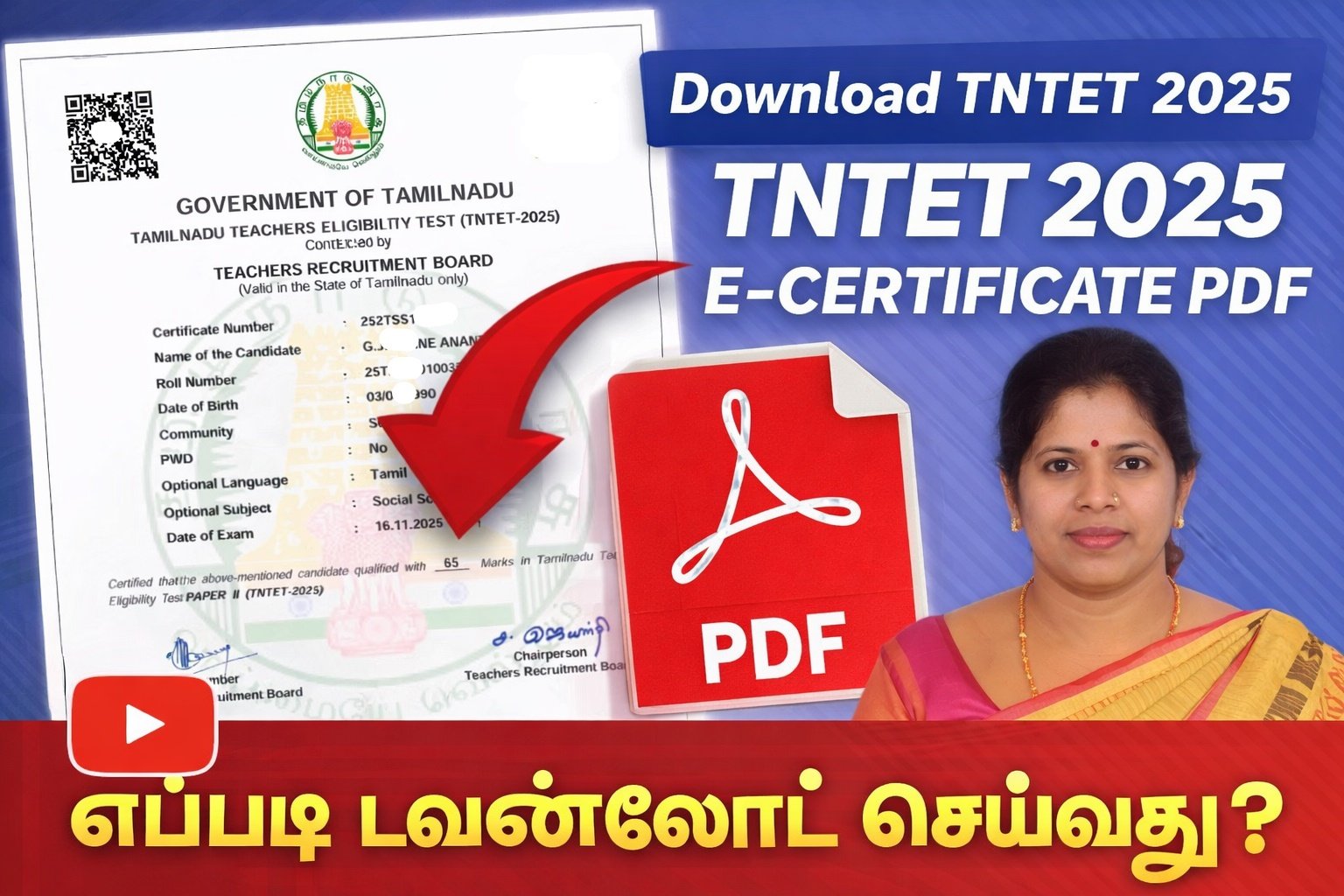
📜 TNTET 2025 E-Certificate – How to Download.
✅ 1. Go to the official TNTET / TRB (Teachers Recruitment Board, Tamil Nadu) website
👉 Open your web browser and visit:
➡️ https://trb.tn.gov.in (official TRB portal)
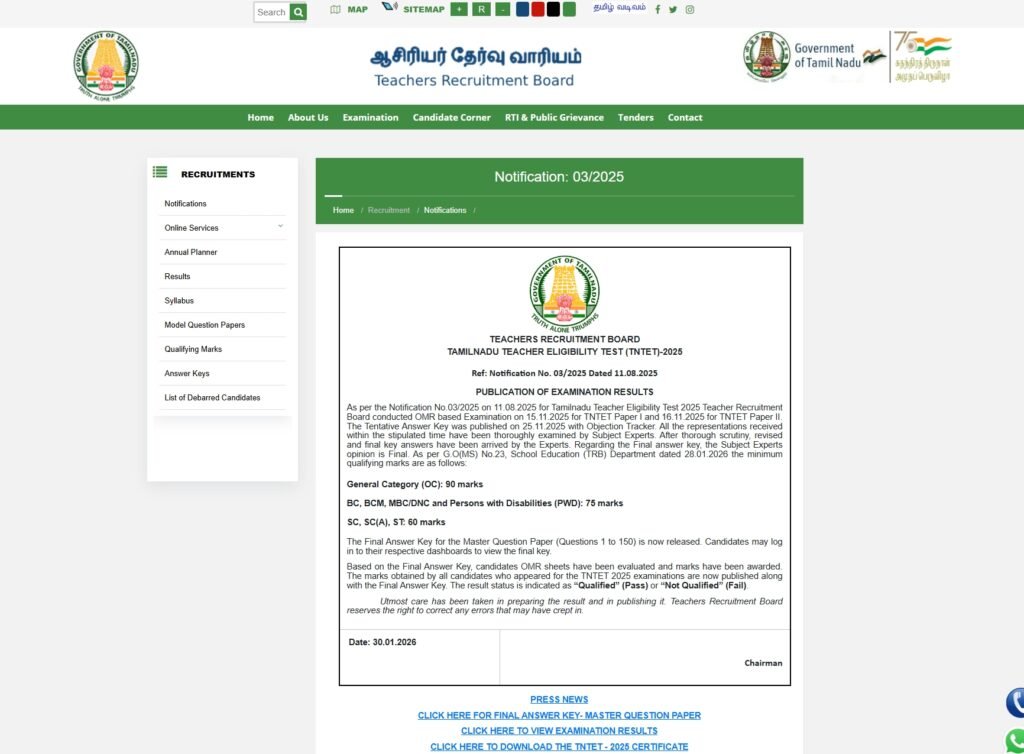
TNTET 2025 E-Certificate (Tamil Nadu Teacher Eligibility Test Eligibility Certificate), which is now available online from February 2, 2026 for qualified candidates.
✅ 2. Find the TNTET 2025 Certificate Download link
On the homepage, look for a section like:
🔹 “TNTET 2025 E-Certificate / Eligibility Certificate”
🔹 or “Download Certificates/Scorecards”
(This will usually be under a “What’s New” or “Latest Results” section.)
✅ 3. Click the Certificate Download link
✅ 4. Log in with your details
You may be asked to enter:
TNTET Roll Number / Registration Number & Date of Birth
Other details (as required on the login page)
This verifies your identity and ensures the correct certificate is shown.
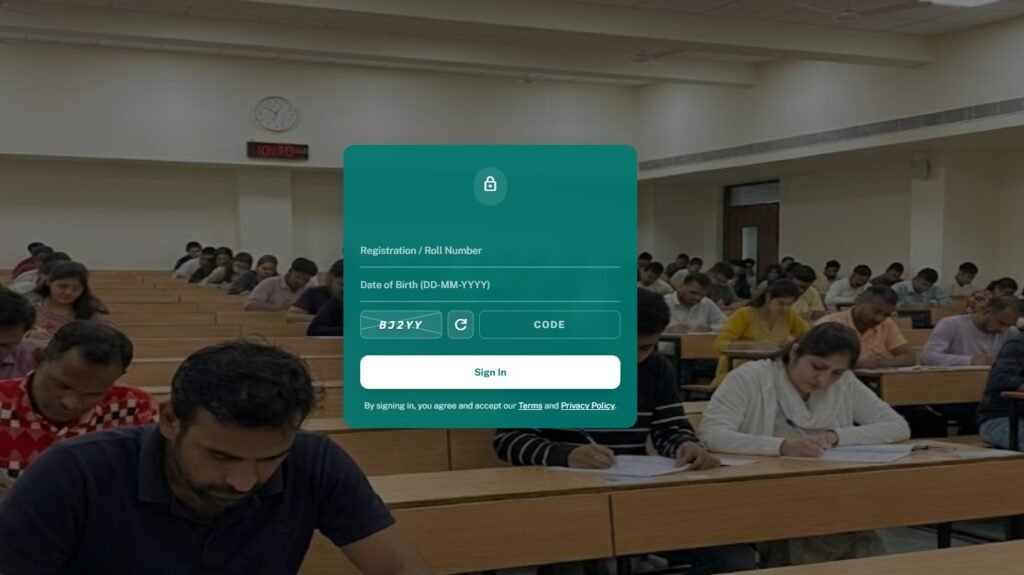
✅ 5. View and Download Your E-Certificate
Once logged in:
Look for the button: “Download Certificate”
Click it
Save the PDF to your device
Print a copy for physical use if needed
🔎 Note: Sometimes you’re allowed to download the certificate only a limited number of times — save a copy safely.