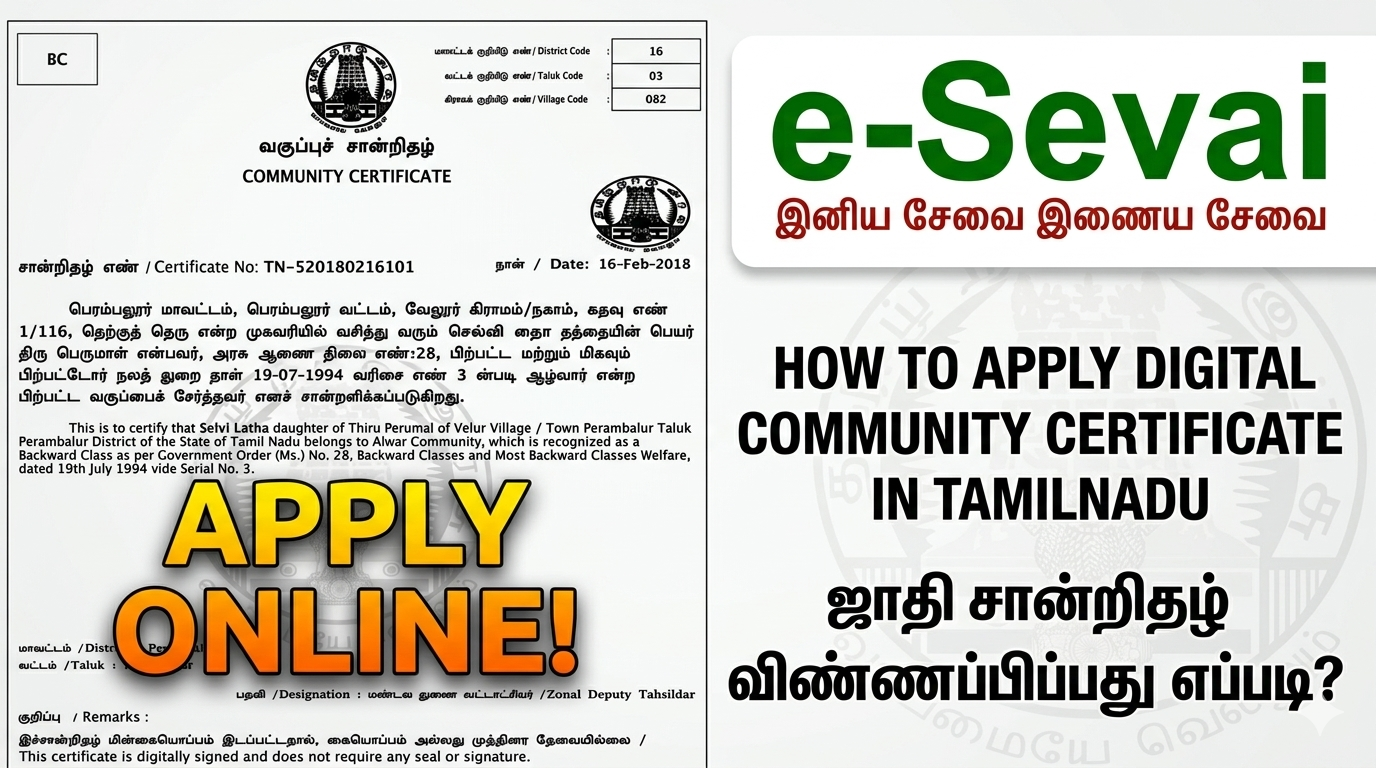
How to apply for a community certificate online in Tamil Nadu?
1.Visit TNeGA website
Visit the official website of the Tamil Nadu e-Governance Agency (TNeGA) at e-sevai
2.Citizen login
Enter the citizen login and Click “Revenue Department” under the “Department” Tab
3.Select Community Certificate
Select REV 101-COMMUNITY CERTIFICATES and the Instructions panel is opened
Click the Proceed Button to continue
4.Fill out the form
Fill out the online application form with the required information.
5.Upload documents
Upload all the necessary documents, including proof of identity, address, and community.
6.Self declaration form
Download the self-declaration form and sign it and re-upload it.
7.Make payment
Pay the applicable fee of Rs.60 for the community certificate through Online payment
8.Track the status
After submitting the application, you can track its status through the TNeGA website.
9.Download the certificate
Once the certificate is issued, you can download it from the website or collect it from the relevant authorities in person.
-September 12, 2026